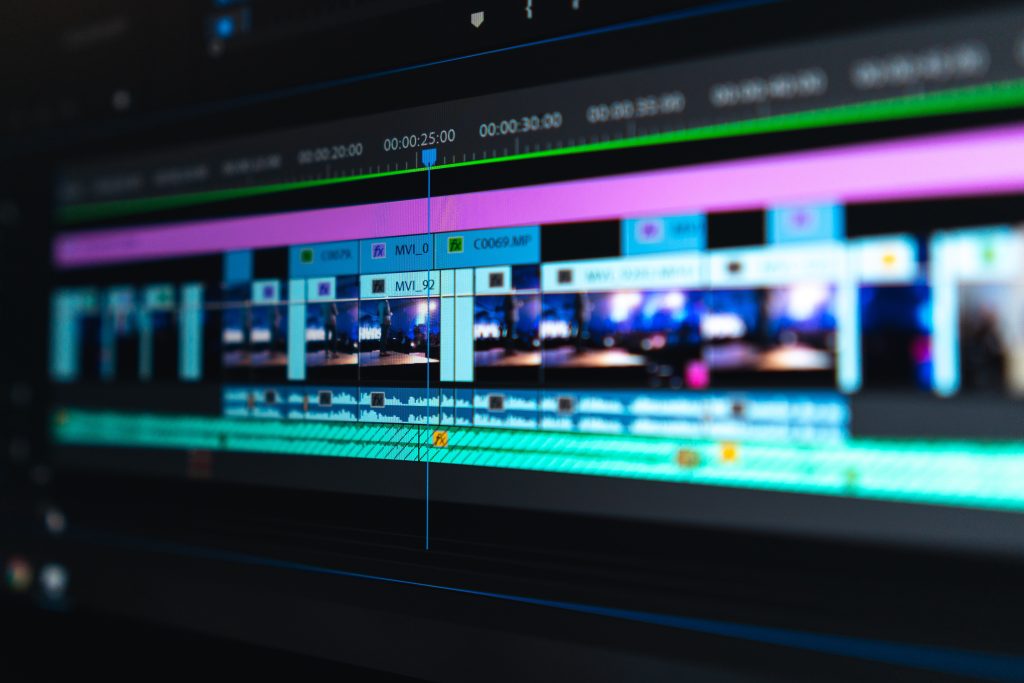
Adobe Premiere Pro is one of the most popular video editing programs in the world. It’s used by YouTubers, filmmakers, advertising agencies, and broadcast teams. Whether you’re editing your first vlog or a commercial for a client, Premiere Pro gives you the tools to do it professionally.
What Is Adobe Premiere Pro?
Premiere Pro is a timeline-based, non-linear video editor developed by Adobe and available on Windows and macOS. It’s part of Adobe Creative Cloud, which means it works smoothly with other Adobe apps like After Effects, Photoshop, Illustrator, and Audition.
Key Features
- Multi-format support: Edit nearly any camera format, from phone footage to 4K, 8K, and RAW, without complicated conversions.
- Lumetri Color: Built-in color correction and grading tools with presets, curves, and color wheels.
- Text-Based Editing: Edit your video by editing the transcript, which is great for interviews and talking-head content.
- Auto Captions: Generate subtitles automatically and style them to match your brand.
- Dynamic Link: Move projects between Premiere Pro and After Effects without rendering.
- Essential Sound Panel: Clean up dialogue, balance music, and fix audio problems in a few clicks.
- Auto Reframe: Convert horizontal videos to vertical or square formats for Reels, Shorts, and TikTok.
- Proxy Workflow: Edit heavy 4K and 8K footage smoothly on average computers.
- Plugin Ecosystem: Thousands of third-party presets, transitions, sound effects, and templates extend what Premiere can do.
Why Professionals Choose Premiere Pro
Industry demand. Many agencies, studios, and freelance clients expect Premiere Pro skills, so learning it can open more job opportunities.
Huge learning resources. Because so many people use it, tutorials, courses, and community help are everywhere.
Flexible workflow. From quick social media edits to long-form documentaries, Premiere handles all of it.
Team collaboration. Shared projects and Creative Cloud libraries make it easy for teams to work together.
Things to Consider
Premiere Pro is subscription-based, so there’s an ongoing cost rather than a one-time purchase. It can also feel overwhelming at first, and it needs a reasonably powerful computer for smooth 4K editing. If you’re on a tight budget, free tools like DaVinci Resolve or CapCut are good places to start.
Tips for Getting Started
- Choose a workspace. The Editing workspace is perfect for beginners.
- Learn the core shortcuts. C for razor, V for selection, and Ctrl/Cmd + K to cut will speed you up immediately.
- Organize your project panel. Use bins for footage, audio, graphics, and exports.
- Use adjustment layers. Apply color and effects to multiple clips at once.
- Save presets. Reuse your favorite transitions, titles, and effects across projects.
- Enable auto-save. It protects your work if the software crashes.
Final Thoughts
Adobe Premiere Pro isn’t the cheapest editor, but it’s one of the most capable and widely accepted. If you want a career in video editing or plan to work with clients, it’s a smart investment. Start with the basics, practice consistently, and you’ll soon build the skills to create professional videos.