Carousel Builder v1.1 – Free After Effects Script
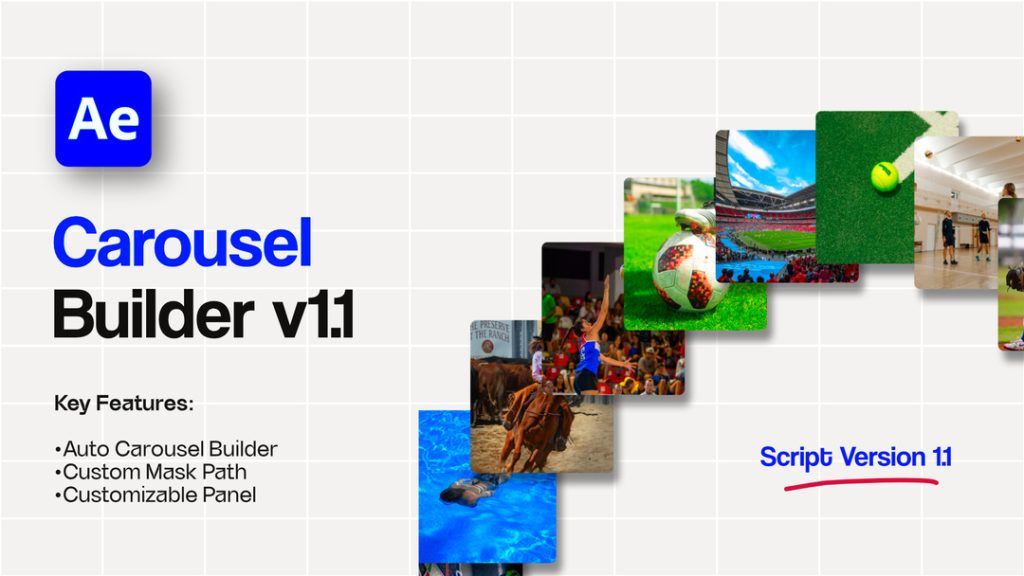
Carousel Builder v1.1 is a useful script for Adobe After Effects that makes it easy to create dynamic carousel animations from selected layers with just one click. Designed for motion designers, video editors, and content creators, this script simplifies the process of arranging and animating multiple visual elements in a carousel-style layout.
The script supports images, video footage, shape layers, and pre-compositions, giving you the flexibility to create different types of motion graphics. Its centralized Master Controller includes nine slider controls, allowing you to adjust important animation properties without dealing with a cluttered interface.
Whether you’re designing product showcases, photo galleries, promotional videos, social media content, or creative motion graphics, Carousel Builder v1.1 can help streamline your animation workflow.
Key Features of Carousel Builder v1.1
- 1-Click Build: Instantly generate a carousel from your selected layers, reducing the need for repetitive manual setup.
- Universal Layer Compatibility: Create carousel animations using images, videos, shape layers, and pre-compositions.
- Master Controller: Control your carousel through a centralized Null object featuring exactly nine powerful sliders for a cleaner workflow.
- Speed Control: Adjust the carousel animation speed to achieve the desired movement.
- Spacing Control: Customize the distance between elements to create balanced carousel layouts.
- Global Scale: Change the overall scale of the carousel to suit your composition.
- Z-Space Depth: Adjust the depth positioning of elements to create a dimensional, 3D-style appearance.
- Rotation Follow: Customize how layer rotation responds to the carousel’s movement.
- 360° Depth Direction: Control the carousel’s depth direction for greater flexibility in your layout.
- Manual Scrubbing: Set the animation speed to zero and use the Move Carousel slider to position the carousel precisely where you need it.
How to Install and Use Carousel Builder v1.1
A detailed PDF user guide is included with this post to help you install and use the script in Adobe After Effects. The guide explains where to place the script file on both Windows and macOS, along with practical tips for using the Master Controller sliders.
Follow the instructions in the PDF guide to install the script correctly and learn how to customize your carousel animation settings.
Who Should Use This Script?
Carousel Builder v1.1 is suitable for motion graphics designers, video editors, YouTubers, social media content creators, and After Effects users who want to create engaging carousel animations with less manual work.
Download Carousel Builder v1.1 for Free
Download Carousel Builder v1.1 and explore a faster way to build customizable carousel animations in Adobe After Effects. Use its one-click workflow and centralized slider controls to create dynamic visuals for your next creative project.
Note: Check the included PDF user guide for installation instructions and confirm compatibility with your version of Adobe After Effects before use.